SEO Terms Explained: Simple Meanings for Beginners (2025 Guide)
Introduction: Why SEO Feels Like a Secret Language
Let’s be honest — when you’re just starting with SEO, it can sound like a tech dictionary exploded on your screen.
People talk about backlinks, meta descriptions, domain authority, CTR, and you’re left wondering: what does any of this actually mean?
The truth?
SEO isn’t complicated — it’s just full of jargon. Once you understand what these words mean (and how they fit together), everything starts to make sense.
If SEO terms feel confusing, don’t worry. This guide has all the essential SEO terms explained in plain English so you can finally understand how they work — no tech jargon, just clarity.
So, let’s break down the most common SEO terms you’ll hear in 2025 — explained in a way that actually makes sense.
1. Keywords – The Foundation of SEO
A keyword is simply what people type into Google when they’re searching for something.
Think of it like this:
- When someone types “best running shoes for beginners”, that’s a keyword.
- When someone searches “how to cook jollof rice”, that’s also a keyword.
Keywords tell search engines what your content is about — and tell you what your audience wants to learn or buy.
How to Use Them
- Include your main keyword in your title, introduction, and a few subheadings.
- Avoid repeating it too many times — it should sound natural.
- Focus on long-tail keywords (3–6 words long) because they’re easier to rank for.
Example: Instead of targeting “shoes,” go for “comfortable running shoes for flat feet.”
2. Meta Description – Your Mini Ad on Google
A meta description is the short text under your page title on Google search results.
It’s your first impression — the little pitch that convinces people to click.
Example:
“Discover the best home workout routines for beginners. No equipment needed, just consistency and motivation.”
That’s a good meta description — short, clear, and persuasive.
How to Optimize It
- Keep it between 140–160 characters.
- Include your keyword once naturally.
- Make it sound like an invitation, not a robot sentence.
Tip: Even though meta descriptions don’t directly affect ranking, they increase your click-through rate (CTR) — which tells Google your page is valuable.
3. Headings (H1, H2, H3) – How You Organize Your Content

Headings are the labels that tell both Google and your readers how your content is structured.
- H1: Your main title (use it once).
- H2: Your major sections or points.
- H3: Sub-points or supporting ideas under H2s.
Example:
H1: How to Start a Blog
H2: Choose a Niche
H3: Why Picking a Niche Matters
Good heading structure = easy reading + better indexing.
Google actually scans your headings to understand what your post is about.
4. Backlinks – The Votes of Trust
A backlink is when another website links to yours.
It’s like someone saying, “Hey, this site is worth checking out.”
Backlinks are one of the strongest ranking signals Google uses. But not all links are equal — quality matters far more than quantity.
What Makes a Good Backlink
- Comes from a trusted, relevant website.
- Uses natural anchor text (the clickable words).
- Points to valuable, original content.
Example:
If a well-known fitness blog links to your “Best Protein Smoothies” post, that’s gold.
Tip: Avoid spammy link exchanges or fake backlinks — Google’s algorithms can detect manipulation.
5. Alt Text – Telling Google What Your Images Mean

Google can’t see images like humans can, so it relies on alt text — short descriptions of your visuals.
Example:
<img src=”workout.jpg” alt=”Woman doing home workout with dumbbells”>
This helps with accessibility, SEO, and even image search ranking.
Always describe what’s actually in the image, and include a keyword only if it fits naturally.
6. SERP – The Search Results Page

SERP stands for Search Engine Results Page.
It’s what you see after hitting “Enter” on Google.
It includes:
- Organic listings (regular search results)
- Ads
- Featured snippets (“position zero”)
- People Also Ask boxes
- Videos, maps, and reviews
Knowing how SERPs work helps you understand where your content can appear — and which formats (blog, video, FAQ) are dominating your keyword.
Pro tip: If you notice videos or FAQs appearing for your keyword, create similar content formats to compete effectively.
7. Domain Authority (DA) – Your Website’s Strength Score
Domain Authority (DA) is a score (from 1 to 100) that predicts how likely a website is to rank on Google.
It’s not a Google metric — it’s created by Moz — but it’s widely used for comparison.
New sites usually start around 1–10, while big names like YouTube or Wikipedia have 90+.
The higher your DA, the easier it is to rank — because Google sees your site as trustworthy and established.
How to Improve Your DA
- Build high-quality backlinks.
- Post consistently valuable content.
- Fix technical errors and broken links.
Tip: Don’t obsess over the score. Focus on growing your site’s credibility and engagement — DA will rise naturally.
8. CTR – Click-Through Rate

CTR means how many people clicked your page after seeing it in search results.
It’s a key signal that your title and meta description are working.
Example:
If 100 people saw your page and 10 clicked it, your CTR is 10%.
How to Improve CTR
- Write titles that create curiosity or promise value.
- Use numbers (“7 Ways to…” or “10 Tips for…”).
- Add emotional triggers (“…that actually work”).
Example: Instead of “Improve Your SEO,” say “10 SEO Tips That Skyrocketed My Blog Traffic in 30 Days.”
9. Bounce Rate – When Visitors Leave Too Fast
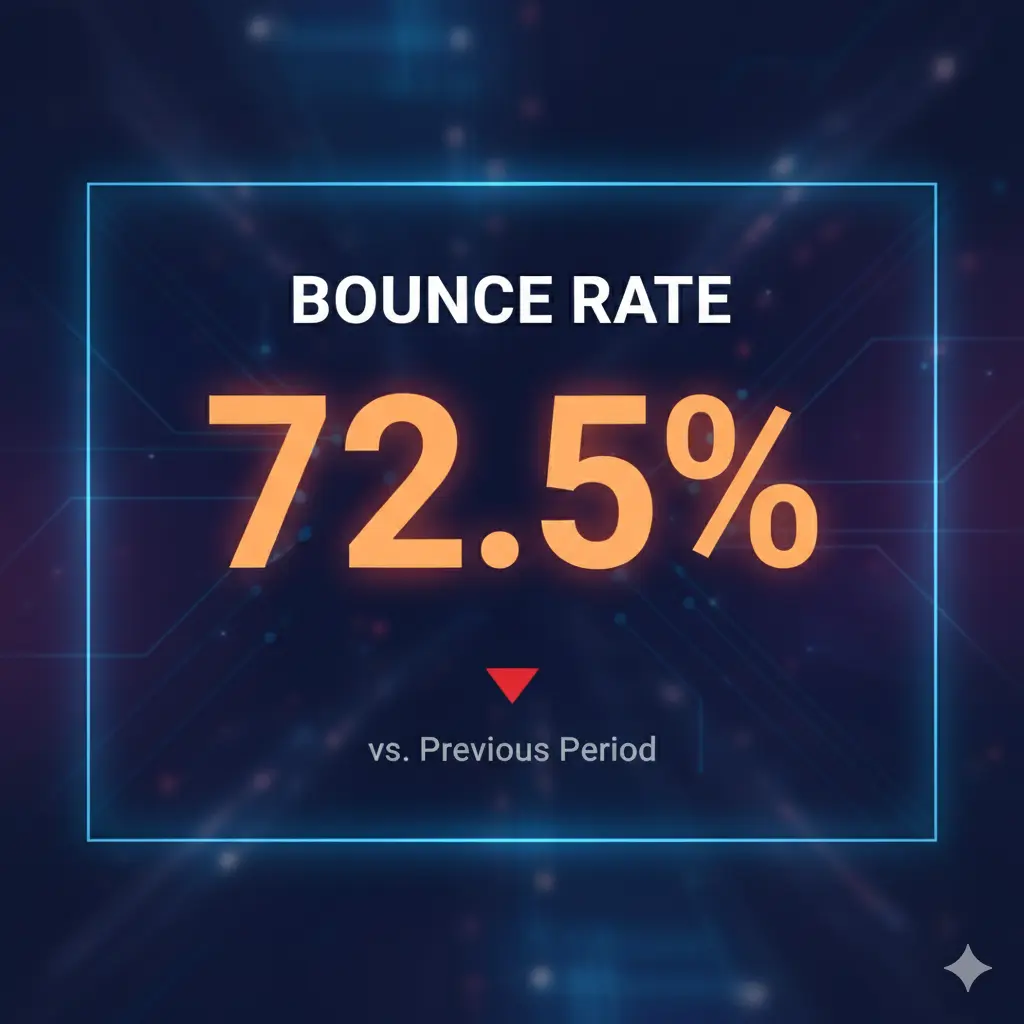
Bounce rate shows how many people visit your page and leave immediately without doing anything else.
A high bounce rate can mean:
- The content didn’t match what they were searching for.
- The page was slow to load.
- The design wasn’t user-friendly.
Try to keep your bounce rate below 60% by improving readability, visuals, and internal links.
10. Organic Traffic – The Best Kind of Traffic
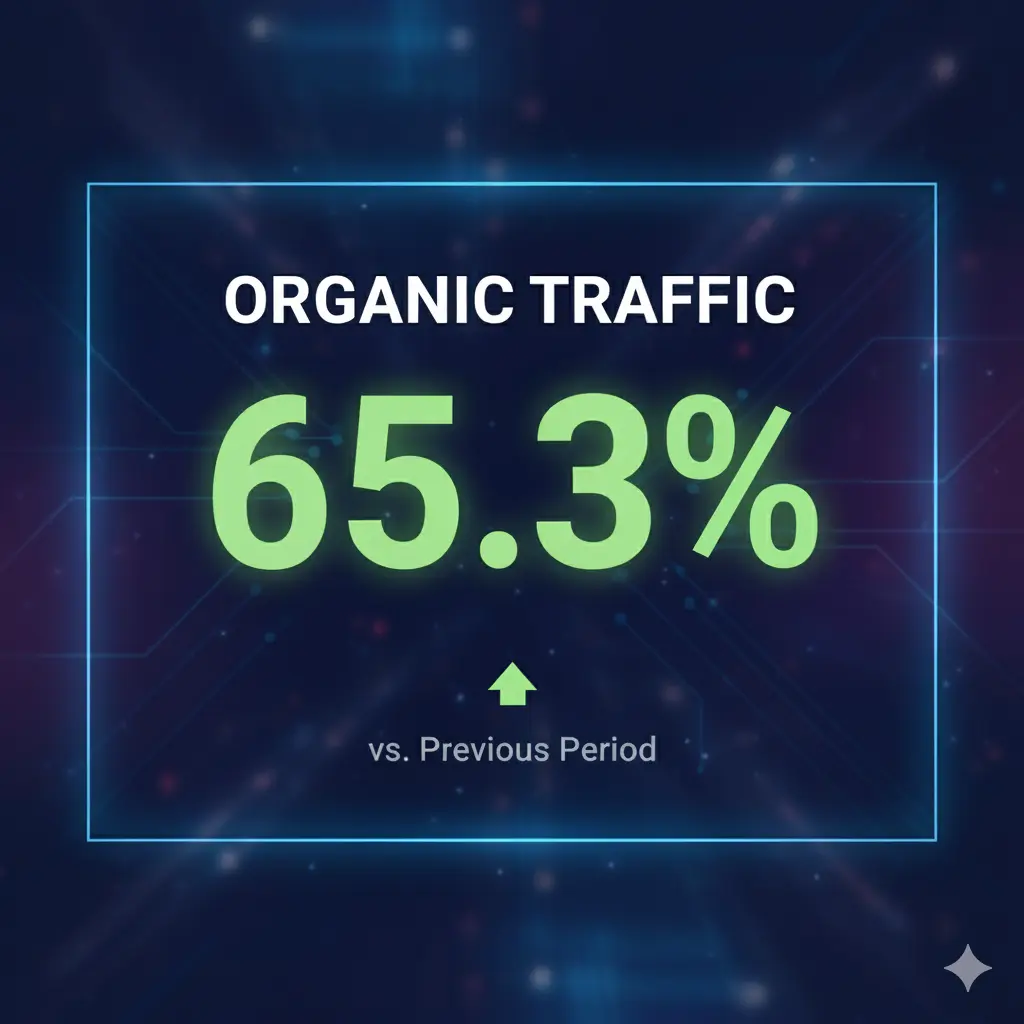
Organic traffic is the free traffic you get when people find you through search engines — not ads or promotions.
It’s the ultimate goal of SEO because it compounds over time. Once your page ranks, it keeps bringing visitors for months (even years) with no extra cost.
Tip: Focus on building evergreen content — guides, tutorials, or “how to” posts that stay relevant long-term.
Bonus: The Three SEO Pillars Simplified
Everything you’ve just learned fits into one of these three pillars:
- On-Page SEO: Keywords, meta tags, and content quality.
- Off-Page SEO: Backlinks, brand mentions, and social signals.
- Technical SEO: Site speed, structure, and security.
Mastering these three areas — even at a beginner level — puts you ahead of most websites online.
FAQs
Q1: Which SEO terms should I learn first?
Start with keywords, backlinks, meta descriptions, and domain authority — they form the foundation of SEO.
Q2: Are all SEO tools using the same metrics?
No. Tools like Moz, Ahrefs, and Semrush calculate authority differently. Focus on trends, not exact numbers.
Q3: What’s a “Featured Snippet”?
It’s a short answer Google shows at the top of results — often pulled from a blog or FAQ. Structuring your posts clearly increases your chances to appear there.
Q4: How do I know if my SEO is working?
Track your organic clicks and impressions using Google Search Console. If they rise over time, your SEO is improving.
Q5: Do I need to memorize all these terms?
Not at all. Just understand what they mean and when to apply them. SEO gets easier with practice.
Final Thoughts
SEO terms might sound complicated at first, but once you break them down, they tell one simple story: create valuable, trustworthy content and help people find it easily.
Now that you understand what these words mean, you can confidently read SEO tutorials, use tools, and start optimizing your own website — without feeling lost in tech talk.
The language of SEO is really the language of visibility — and you just learned to speak it.
Watch the Full YouTube Video
If you prefer watching instead of reading, I’ve got you covered!
Watch the full video here:
In the video, I break down these exact SEO terms using real-world examples and visuals — so you can finally see how they work in action.